
- Windows XP, Vista, 7.
- Combofix
-----------------------------------------------------------------
Step 1:
Disable your Antivirus before launching Combofix.
Step 2:
Launch Combofix, and follow the provided guidelines.
!! DO NOT INTERRUPT THE REGISTRY BACKUP PROCESS !!
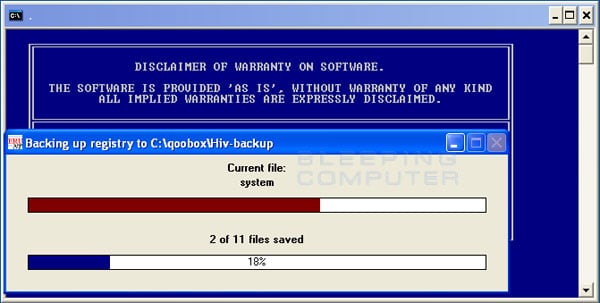
NOTE: Windows XP users will be asked to install the recovery files.
Simply follow the steps to download the recovery files.
(Combofix will continue after you've followed the above steps)

Combofix will start to run.
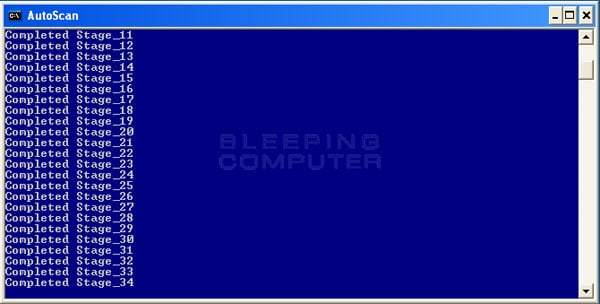
Wait until the scan is completed.
(a logfile will appear)

Reboot your computer, and re-enable your Antivirus

Geen opmerkingen:
Een reactie posten